
With automated invoice processing, your business can improve the efficiency of its operations and embrace a technological step that places it on par with all of its competitors.
In this guide, we will learn about automated invoice processing in detail so that you can implement it in the best way possible and derive the most benefit from it.
What is Automated Invoice Processing?
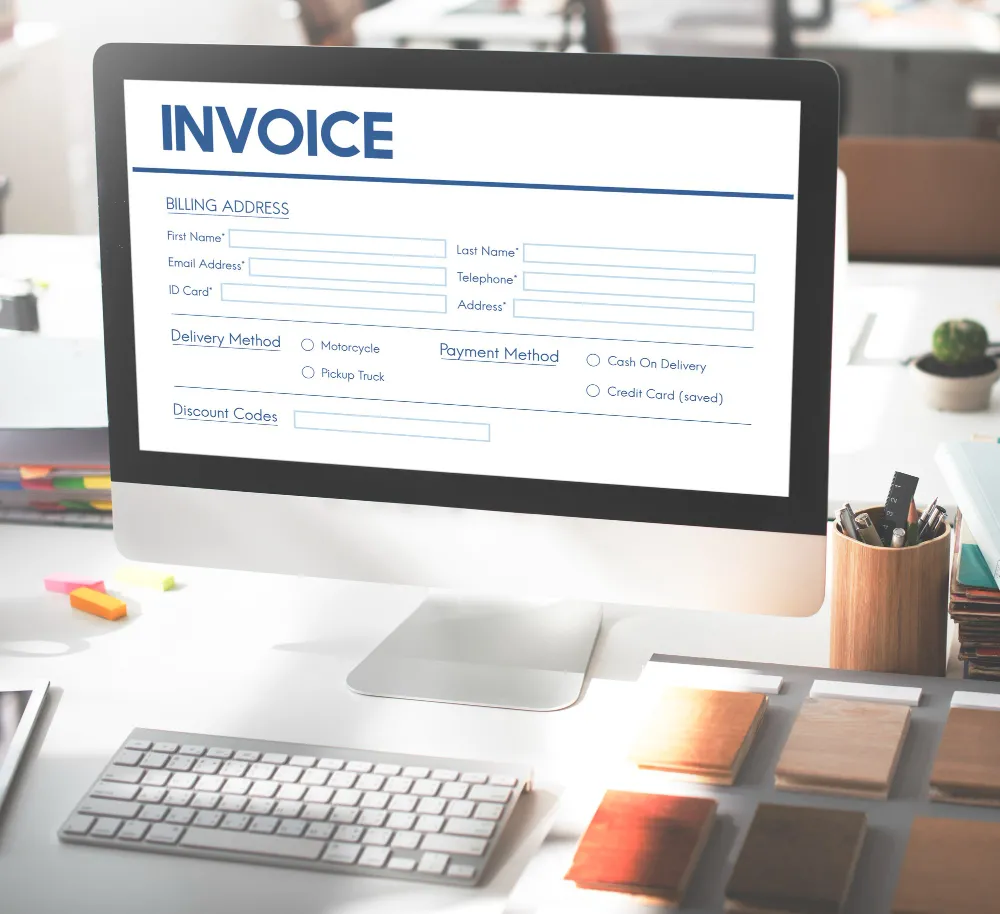
Automated invoice processing can be defined as the automatic process of managing the reception, checking, approval, and payment of an invoice with minimal human intervention.
To elaborate more, AIP allows a business to automate the repetitive process of recording the details of an invoice, checking it against the existing records, manually submitting it for approval to the concerned parties, and then making the payment.
The software/tools used for automated invoice processing are able to perform all of these steps on their own, while a human can keep a loose watch. Arduous manual tasks, such as data entry and data verification, can be easily handed over to the software.
What are the Benefits of Automated Invoice Processing?
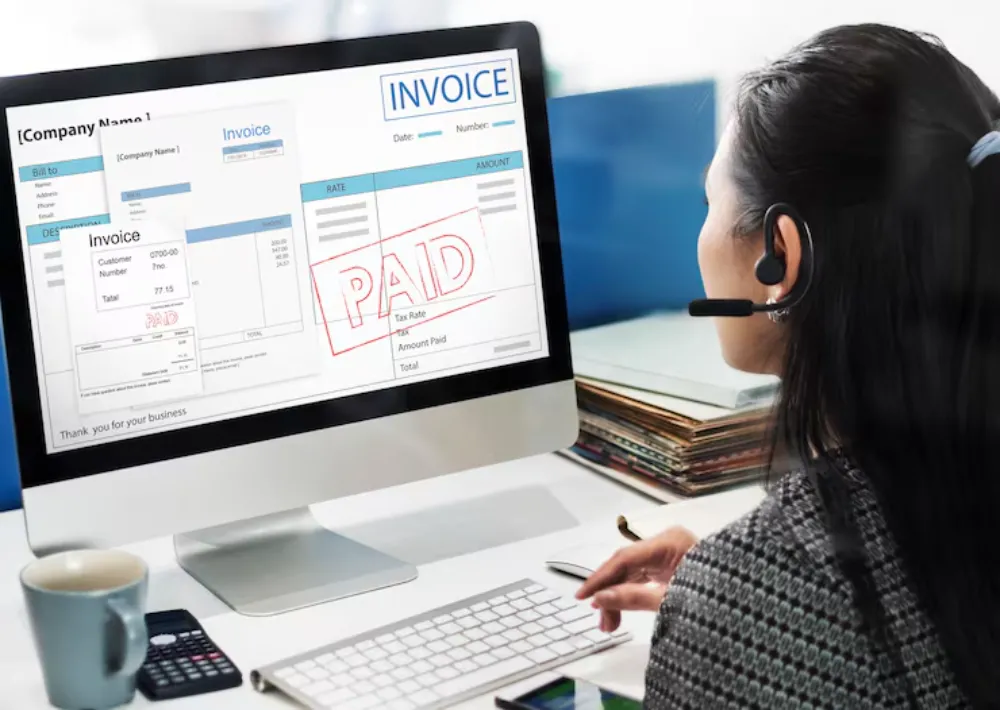
Here is a list of the various benefits that your business can enjoy as a result of automated invoice processing:
- Efficiency in day-to-day operations: When invoices are handled automatically, there are no unnecessary delays in the day-to-day operations. Payments can be promptly made, supplies can be promptly acquired, and the operations can carry on at a comfortable pace.
- Better anomaly and fraud detection: When invoices are processed manually, anomaly and fraud detection can be slower, and even ineffective at times. It is possible for a human to be fooled by a seemingly authentic invoice, but a software is precise and rigid in making the checks.
- Cost savings on resources: With an automated invoice processing system in place, you don’t have to spend money on human resources and their equipment. This helps in saving funds that you can spend elsewhere in your business.
- Easy data tracking for analytics: Automated invoice processing software can store the information of the various invoices it gets from the different vendors. This information can be conveniently used by the business to make informed decisions about its purchases in the future.
- Reduced risk of errors: With an automated system, you don’t have to worry about negligence errors during the data entry and verification process.
Drawbacks to Consider in Automated Invoice Processing
The benefits of AIP are considerable, but so are the drawbacks, such as:
- High upfront costs: The costs of acquiring and setting up the automated invoice processing software/program can be substantial, initially. The cost-saving benefit they provide comes in the long term.
- Complicated setup: It can be difficult and complex to set up the software for the first time. It requires IT expertise, and is not everyone’s job. The setup can take time and even compel you to hire a temporary helping hand.
- Lack of human insight/intuition: In manual invoice processing, the oversight of a human is highly beneficial. A human can, on the basis of their experience, insight, and intuition, make decisions on the fly and note certain developments that a software might completely ignore.
- Possible integration trouble: Invoice automation requires the software to integrate with various branches of the company’s digital infrastructure. This integration can be time-consuming initially, and it can later pose problems in the form of modular failures that disrupt the working of the entire system. It has to be expertly managed and maintained at all times.
- Reliance on connectivity: The automated invoice processing software is reliant on an internet connection (for cloud connectivity) as well as local connections to other programs/software in the company. Disruptions in these connections can lead to a holdup in the whole system. This problem doesn’t exist when the system is manual.
How to Set Up Automated Invoice Processing
Nowadays, automated invoice processing is set up with the help of dedicated software and platforms. These platforms and software are made to be “ready to use” and can integrate with the other digital solutions that your business uses for its day-to-day activities.
Many online platforms nowadays provide a number of different solutions in one place. For example, QuickBooks offers different bookkeeping solutions. It also offers invoice automation along with the whole bundle so that users can get everything they need from one place.
However, the downside of such all-in-one software is that it cannot be easily integrated into the existing digital workflows of the company, which might contain other programs/software.
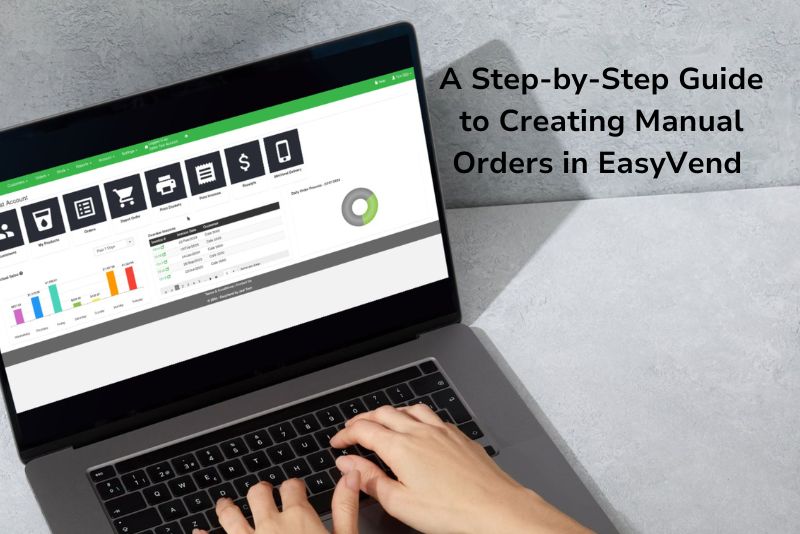
Dedicated automated invoice processing is different, as they are made to perform one specific task. EasyVend is a good example. It is made solely to help businesses automate ordering, invoicing, route management, and payment processing.
How to Choose the Right Invoice Processing Tool for Your Needs?
Choosing the right tool can be tricky, as there are a lot of factors to consider. Below, we will list some of the main ones:
Integration capability
The tool that you choose should be able to integrate with your existing ERP and accounting systems. It should support the integration option.
Level/amount of automation
The level of automation provided by the tool should match your needs. For some businesses, the need could be restricted to data entry, while some may need it for data verification as well. Some may require it for approval workflows as well.
Scalability
It’s also important for the platform/tool that you select to be scalable. If the scope of your day-to-day invoice processing tasks increases, the tool should be able to handle it. Otherwise, you will have to make further investments once the current software is unable to keep up.
Customization
You should pick a software/platform that allows you to flexibly customize the automated workflows. That way, you can adjust the automations to fit the day-to-day operations in your business to get the perfect synergic effect.
Pricing
The pricing of the software should be within your budget. Normally, there is a higher upfront cost, while a smaller amount is to be paid periodically for the continued use. Both of these costs should be reasonable enough for you to afford them over the long term.
Wrapping Up
And that brings our guide on invoice processing automation to a close.
There are many benefits to AIP, but it also comes with a number of challenges and drawbacks. Before implementing it in your business, you should consider them both. We’ve talked about them in detail above.
Our platform, EasyVend, is a decent choice to go with for invoice processing automation. It is a versatile platform that can be used for all types of businesses, whether it’s a manufacturing hub or a retail store.