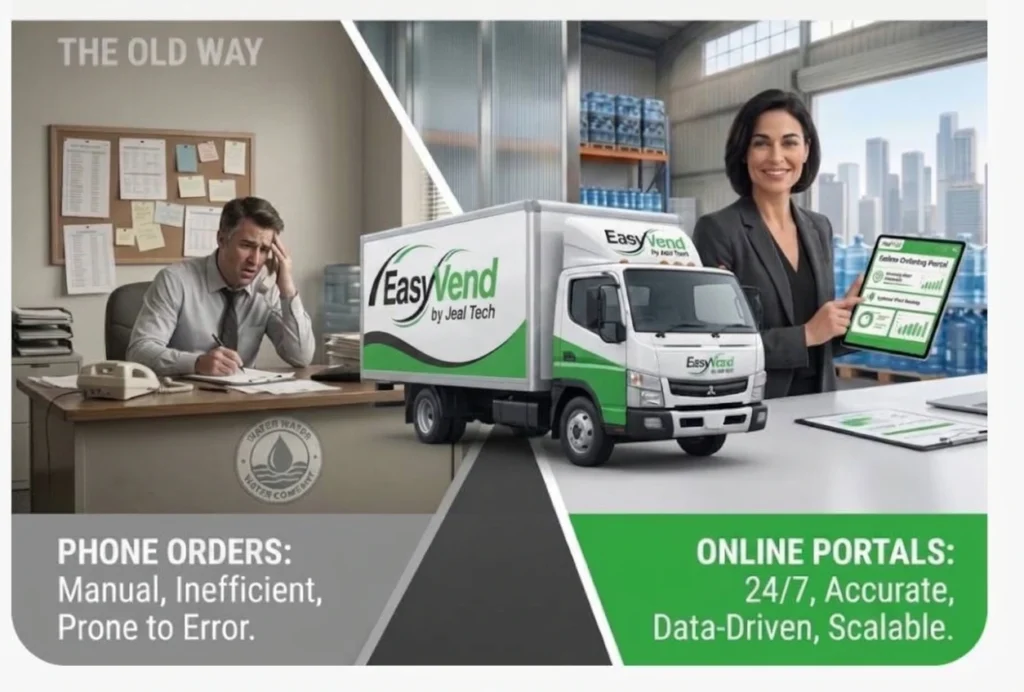
Having worked with Australian distribution businesses for decades, we understand how quickly recurring orders can become difficult to manage.
In this guide, we cover why recurring water orders get complicated and how water delivery software can simplify the delivery process from order setup through delivery and invoicing.
Quick Overview
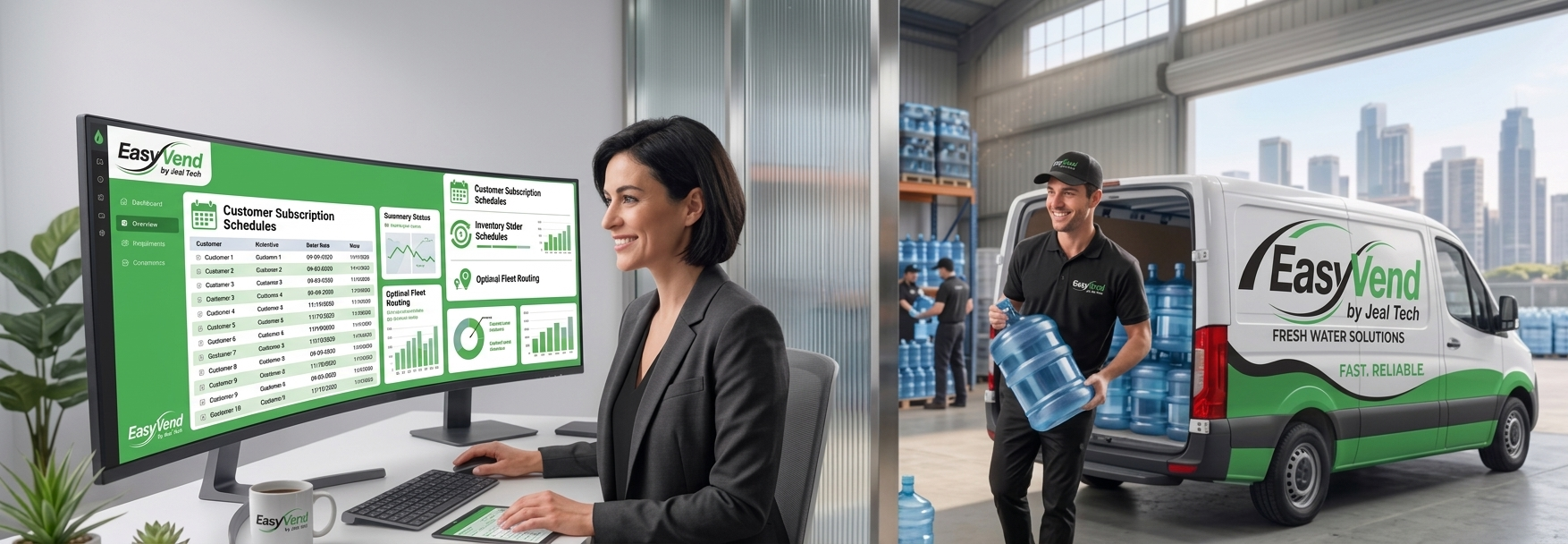
Water delivery software gives distributors one place to manage standing orders, customer changes, deliveries, and related billing information. Instead of repeatedly recreating the same orders or tracking exceptions across notes and spreadsheets, teams can keep recurring work organised around a central system.
Why Recurring Water Orders Get Hard to Manage
Every customer has their own routine. One workplace might need five bottles every Monday. A small office may order fortnightly, while another customer wants a larger delivery once a month. None of that is particularly difficult when you only have a handful of accounts.
But at scale, those schedules start overlapping.
Your team now has two jobs: remember the regular schedule and keep track of every exception to it.
If these details are spread across phone messages, emails, spreadsheets and handwritten notes, there are likely more chances of making mistakes. The problem isn’t necessarily the recurring order itself. It’s keeping the recurring order accurate when the client keeps changing it.
What Is Water Delivery Software?
Water delivery software helps distributors manage the work involved in taking orders and getting water to customers. Depending on the platform, it can bring several parts of that process into one system, including:
- Recurring order schedules
- Customer records
- Stock information
- Delivery runs
- Driver tools
- Proof of delivery
- Invoicing
- Accounting integrations.
For recurring deliveries, the software can generate standing orders according to schedule, reflect customer changes before dispatch, and keep a record of what was actually delivered.
How Water Delivery Software Simplifies Recurring Orders

Recurring orders become much easier to handle when your team doesn’t have to rebuild the process from scratch every delivery day. Regular work can follow a set schedule, while your staff can handle exceptions as they happen.
Here’s how it can work in practice.
Set Up Standing Orders Once
Imagine an office that orders two 15-liter bottles every Tuesday. Without a recurring-order system, someone may need to create that same order again and again.
Recurring order software takes away that repeated setup. Your team enters the customer’s usual products, quantities, and delivery frequency once, and the software uses that schedule for future orders.
For staff managing a long customer list, this automation can take a surprisingly repetitive task off the daily to-do list. They can spend their time checking genuine changes to customer orders instead of typing the same bottle quantities every fortnight.
Handle Temporary Changes Easily
Recurring order software lets you make a one-off change to a delivery without changing the customer’s regular order schedule.
Say a workplace normally receives four bottles every Monday. Next week, it is hosting a conference and needs eight bottles. The customer isn’t changing its normal order; it just needs more water once.
Your team can update that particular delivery in the software while leaving the customer’s usual order untouched. Once the unusual delivery has passed, the regular schedule remains there for the next cycle.
The same principle applies to skipped deliveries and other temporary changes. Your team can adjust one delivery without having to change the customer’s regular schedule and then set it up again afterward.
Keep Customer Orders and Delivery Details in One Place
A customer phones and says, “I think we only received three bottles last Thursday.”
Where does your employee look first?
If order history sits in one system, delivery paperwork in another, and customer pricing somewhere else, answering a simple question can turn into a small investigation.
Centralising the relevant customer and order information in a delivery software gives your staff a clearer place to start. They can check the account, look at the relevant order and review the available delivery details without hunting through several disconnected records.
That becomes particularly useful when the employee answering the phone isn’t the person who originally took the order.
Give Customers an Easier Way to Place and Update Orders
Recurring customers shouldn’t have to rely on phone calls or emails every time they need to place an order.
Water delivery software can give customers access to an online ordering portal. They can use it to order at a time that suits them. A cafe manager finishing late, for example, can place the next water order after checking stock rather than remembering to call your office the following morning.
For your team, fewer orders coming through scattered channels means less information to enter manually and a clearer record of what each customer has requested.
Keep Stock Requirements Visible as Orders Build Up
Regular orders give you an early view of how much stock you will need for upcoming deliveries. Comparing those scheduled orders with your available stock can help you spot shortages before delivery day.
Say you already have 200 bottles scheduled for delivery next week, but only 150 are currently available in stock. Your warehouse needs to spot that gap before loading day, not when the trucks are half packed.
This is where real-time inventory visibility in water delivery software becomes useful. Your team can check upcoming orders against available stock and see what will be needed for the days ahead.
If stock looks tight, they have time to act before it affects a scheduled delivery.
Organise Recurring Orders Into Delivery Runs
Once orders are ready, your team still has to get them onto the right delivery run.
For a small operation with one vehicle, that may be fairly simple. Add several drivers, different delivery areas and a mixture of weekly and fortnightly customers, and the morning run sheet becomes more complicated.
Delivery management software can help staff organise orders into established rounds and delivery sequences. And when something changes, the office has a central place to update the relevant delivery information.
Keep Drivers Updated With Delivery Information
Drivers need more than an address to deliver the order. They may need to know:
- How many bottles are going out
- Whether empties are coming back
- Where the customer expects the delivery to be left
- If something changed since the previous visit.
Water delivery software can include a digital driver delivery tool that gives drivers access to relevant delivery information while they’re on the road. Instead of relying only on printed paperwork, drivers can check the details they need from a supported mobile device.
Record What Was Actually Delivered
Even with a regular delivery schedule, what a customer receives on a particular visit may differ from the original order. Perhaps they only take three of the four bottles, return an item, or make another change when the driver arrives.
Recording what was actually delivered in the software gives the office an accurate record of that particular delivery. Some systems can also capture digital proof of delivery, such as signatures and delivery photos.
If a question comes up later, your team can check what happened on that delivery instead of relying only on the customer’s usual recurring order.
Keep Delivered Quantities Connected to Invoicing
Water delivery software can carry the delivery details recorded for each recurring order into the invoicing process. Your team doesn’t have to enter the same information again after every delivery, which removes a repetitive step from the billing process.
Automated invoicing also reduces duplicate data entry and makes invoicing regular customers easier to manage.
What to Look for in Water Delivery Management Software
When comparing your options, we suggest considering the following points to find software that fits your recurring orders and day-to-day delivery process:
- Flexible Recurring Order Scheduling
The software should let you set the delivery frequencies your customers actually use, such as weekly or fortnightly schedules. It should also make it easy to handle temporary changes without rebuilding the customer’s regular order.
- Customer-Specific Products and Pricing
Different customers may order different products or have agreed rates. Choose a system where these details can be managed against the individual customer account rather than tracked separately.
- Delivery and Driver Management
The software needs to support the delivery side too. Your team should be able to organise orders into runs and give drivers the information they need for each stop.
- Proof of Delivery
Digital signatures, photos and other delivery records can give your team something concrete to refer to when a customer asks what happened at a particular drop.
- Invoicing and Accounting Integration
Don’t overlook what happens after the delivery. A system that connects delivery information with invoicing and syncs with your accounting platform can reduce duplicate data entry and make regular billing easier to manage.
Conclusion
Recurring water orders may follow a regular schedule, but they don’t always stay exactly the same. A skipped week, an extra bottle, a holiday closure, or a changed delivery quantity can turn a simple standing order into more office work. Multiply those changes across a large customer base, and your spreadsheets and paper dockets can quickly become difficult to manage.
Water delivery software gives distributors a more organised way to handle that routine. Regular orders can follow their schedules, while your team manages exceptions as they arise.
If recurring orders are taking too much time to manage manually, EasyVend can help bring your ordering, delivery and invoicing workflows closer together. Book an EasyVend demo to see how the system could fit your water delivery operation.
Frequently Asked Questions
Depending on the software, customers can make one-off changes without cancelling their regular order. For example, they may skip one delivery or change the quantity for a particular week. After that, they can continue with their usual delivery schedule as before.
Yes, recurring-order software can support regular delivery frequencies such as weekly and fortnightly schedules. The exact scheduling options depend on the platform you choose.
It keeps recurring schedules and order information in a central system rather than relying entirely on notes, spreadsheets, or staff memory. That convenience gives the office a clearer view of which orders are due for each delivery period.