
You start your Monday morning with a stack of handwritten faxes and a stream of text messages from clients who expect their deliveries by noon. This dependence on paper creates a bottleneck that prevents your business from scaling. Spending three hours each day manually entering data into spreadsheets drains productivity and increases the risk of costly errors.
Moving away from this inefficient process does not require an overnight overhaul. With the right approach, you can implement strategies that gradually digitise your workflow. In this post, you will learn practical tips to shift from paper to a digital system while maintaining your service standards.
What Manual Orders Automation Actually Means
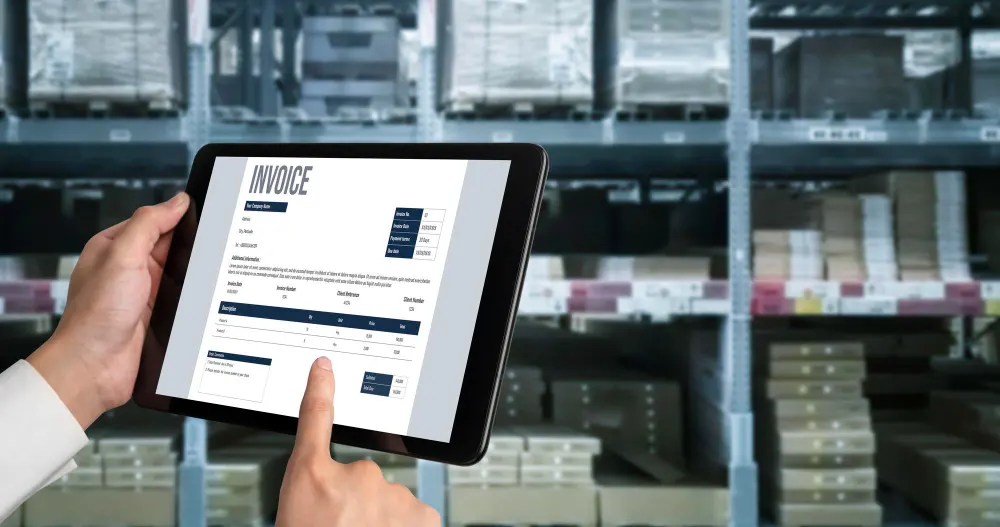
Many wholesalers hesitate to modernise their order processes because they worry about disrupting long-term customers who prefer placing orders by phone, fax, or email. Automating manual orders doesn’t mean forcing every client to use an app right away. Instead, it’s about changing how your team handles orders internally, such as:
- Collecting various inputs into a single digital system.
- Setting up a consistent process for handling orders
- Using digital tools in the warehouse
For example, a family-owned bakery supplier in Chicago gets orders from 50 local cafes via fax, email, and WhatsApp. Instead of typing every order into spreadsheets, the team sends all orders to a digital OMS (Order Management System)
The system flags duplicate entries and catches missing details before they turn into a headache. It also automatically manages inventory updates, allowing your team to focus on customer relationships and service.
Account managers can still call key clients to confirm special requests, keeping relationships strong while processing more orders accurately and efficiently.
5 Practical Digital OMS Tips for Teams Still Handling Paper Orders
Transitioning to a digital workflow is a journey that starts with small, deliberate changes. Here are five ways to help your team turn manual orders into digital ones without causing disruption.
1. Capture Every Incoming Order in One Central Dashboard
The first step to efficiency is removing the need to check multiple places for new orders. You should use a system that consolidates every request into a single view.
When an order arrives via phone, your team should enter it directly into the dashboard rather than writing it down on a notepad. Centralisation ensures that no order is ever overlooked. If a sales representative takes an order in the field, it should appear on the office screen instantly.
Also, review the dashboard at set intervals, for example, every hour, so nothing gets missed and the day’s workflow can be planned accurately.
2. Replace Retyping with Structured Digital Entry
When you write an order on paper and later type it into an accounting system, the work is duplicated, which becomes a major source of transcription errors. You can enter orders efficiently by adopting digital templates that:
- Auto-populate customer addresses and wholesale pricing tiers
- Use “quick-pick” lists for frequent customers
- Provide standard order sets for the same clients
These tools allow your staff to process a phone order in seconds. Also, it reduces manual order-entry errors that wholesale distribution teams often encounter during peak periods.
3. Validate Orders Before They Reach the Warehouse
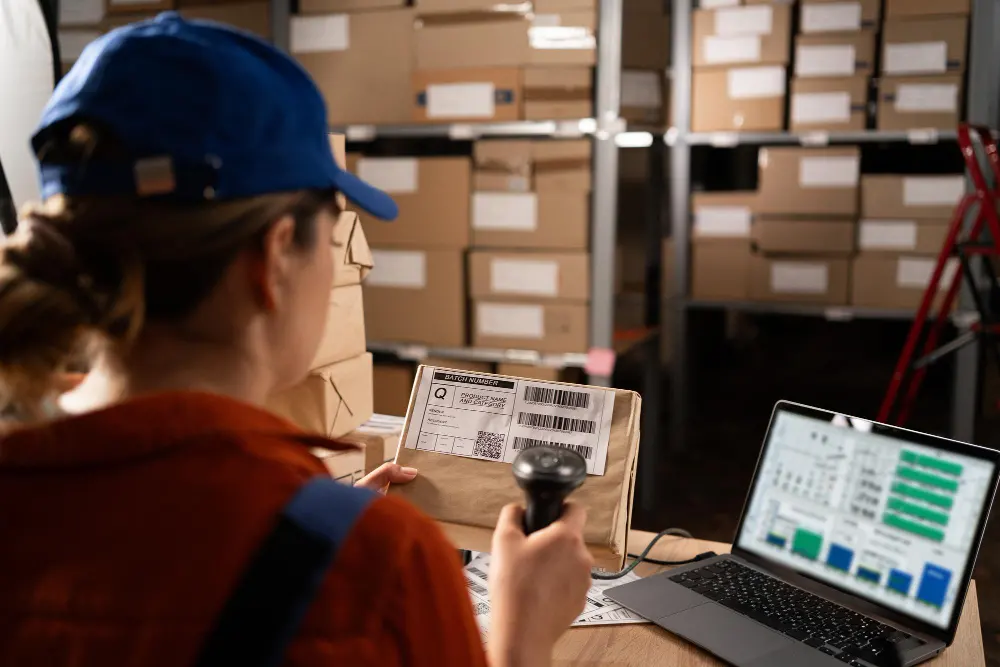
Before an order is sent to the warehouse for picking, build a verification step into your digital workflow. The goal is to catch problems when the order is entered, not after inventory has already been allocated.
To implement this order verification process effectively:
- Add a verification step to catch errors before warehouse release.
- Automate credit checks to flag customers with over-limit accounts.
- Enable product validation to catch incorrect or unusual orders.
- Set minimum thresholds to prevent low-quantity submissions.
4. Connect Orders Directly to Live Inventory
Paper orders do not reflect what is actually available on your warehouse shelves. To avoid stock conflicts, your order system must be connected to live inventory data.
Here’s how to implement live inventory integration in practice:
- Automatically deduct stock when an order is confirmed.
- Sync all sales channels to the same real-time inventory count.
- Set up low-stock alerts to prevent stockouts.
For example, if you have ten cases of a popular beverage in stock, the system should immediately reduce the available quantity once a salesperson enters an order. This real-time inventory adjustment prevents two team members from selling the same stock at the same time and eliminates the need for follow-up calls to correct shortages.
5. Automate Invoice Creation at Dispatch
One of the most common breakdowns in manual order workflows happens after the goods leave the warehouse. The delivery is complete, but invoicing is delayed because the paperwork needs to be returned to the office first.
Instead of waiting for signed dockets or manual confirmation, configure your system so that invoicing is tied directly to dispatch status. The moment a warehouse staff member or driver marks an order as “Dispatched” in the system, the invoice should be generated automatically.
To ensure automated invoicing at dispatch functions smoothly, connect your OMS to your accounting platform so invoice data transfers automatically without retyping. Drivers can capture proof of delivery digitally, and that confirmation is stored alongside the corresponding invoice within the system.
This approach removes billing delays and keeps revenue moving consistently.
What to Look for in Software That Helps Enter Orders Efficiently
Choosing the right tool is vital for a smooth transition from paper. You need a platform that understands the specific pressures of the Australian food and beverage industry. Look for the following attributes when evaluating a solution:
- Direct integration with accounting platforms like Xero or MYOB to stop double-entry.
- A user interface designed for speed that minimises clicks.
- Mobile compatibility so drivers can update deliveries on the go.
- Australian-based support for timely assistance.
Selecting a system with these features ensures that your investment actually saves time rather than adding another layer of technical complexity to your day.
Conclusion
Continuing to manage your distribution business with paper and pens is a choice that limits your future earnings. By implementing the digital strategies, you can reduce manual order entry and wholesale distribution tasks and reclaim hours of productive time every week.
EasyVend is an Australian-owned platform designed for wholesalers who want to move beyond manual systems. It manages the entire order-to-payment workflow in a single environment, enabling you to enter orders efficiently while maintaining live inventory control and delivery tracking.
If you are ready to modernise in a controlled and practical way, explore how EasyVend can support your transition from paper-driven processes to streamlined digital operations.