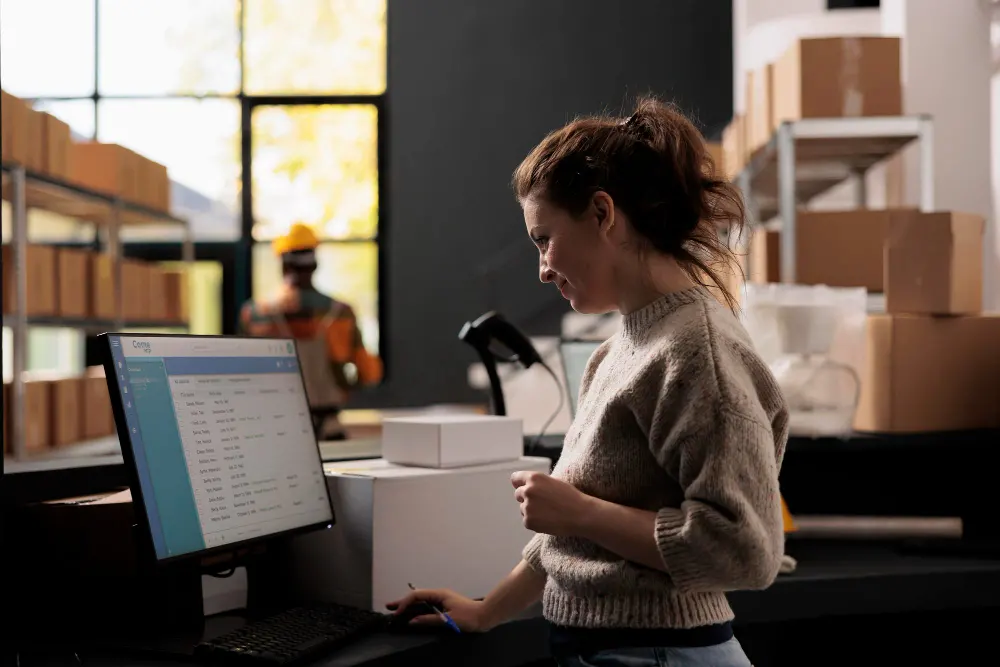
According to a report, nearly 69% of food and beverage suppliers still rely on manual or semi-manual ordering processes. The reliance on manual workflows creates unnecessary strain on time, staff, and margins.
If you spend your mornings juggling phone calls, text messages, and scattered emails just to organise a single delivery run, your operation is exposed to costly errors and stalled growth.
This fragmented approach leads to missed items, incorrect invoices, delayed deliveries, and frustrated customers. Over time, it limits how efficiently your business can grow.
As the market evolves, an Order Management System (OMS) is becoming a core requirement for businesses in 2026.
In this guide, you will explore what an order management system is, the specific order lifecycle steps, and how this technology helps your business grow.
What Is an Order Management System?
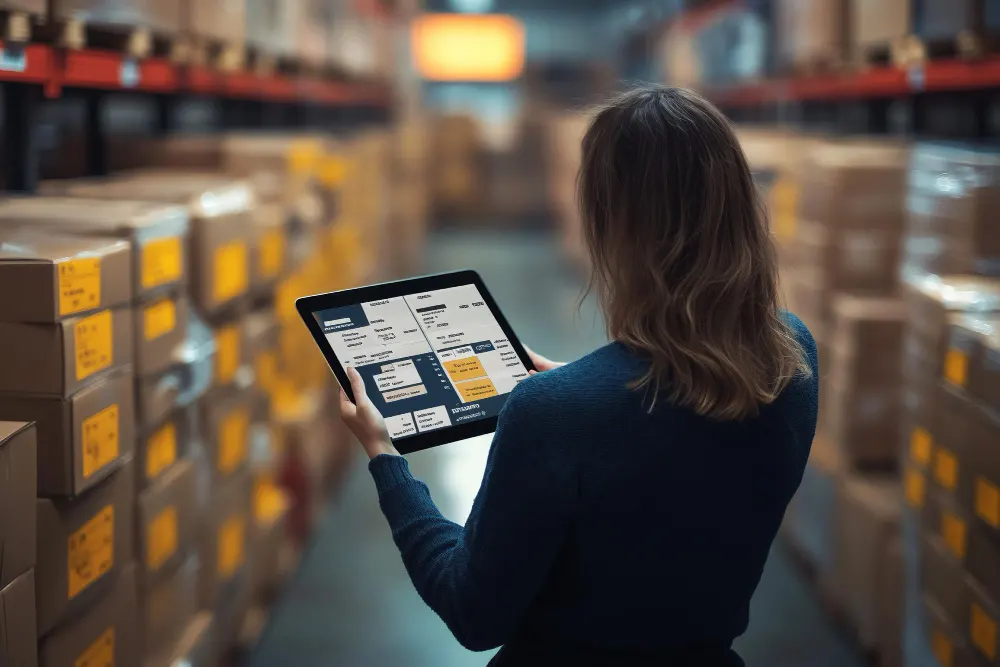
An order management system is the central digital platform that manages every order across your distribution business.
Instead of relying on paper notes, emails, texts, and spreadsheets, an OMS consolidates everything into one structured, real-time system.
Think about the usual early-morning rush at your distribution hub. One chef leaves a voicemail at 2:00 AM, another client sends a text, and a third responds to an old email thread.
Without a central system, your office staff would spend hours typing all these details into spreadsheets, and orders can get mixed up or delayed.
An OMS eliminates this chaos. That late-night order for twenty crates of juice goes straight into the software. The system checks your fridge levels and reserves the stock immediately. It even prints a picking slip for the warehouse team before you arrive at work.
Instead of acting as a data-entry clerk, you regain control as a business owner with full visibility over operations.
Key Features of Order Management System
A good OMS should be simple to use but powerful enough to handle a busy warehouse. The key features of an effective OMS include:
- All-in-One Dashboard: You can see every new, packed, and delivered order on one centralised customer order management platform.
- Live Stock Tracking: The system updates your inventory counts the second a sale is made.
- Automatic Invoices: You can create and send tax invoices without having to type them out yourself.
- Online Customer Portal: Your clients can log in at any time to place orders or check their outstanding invoices.
- Mobile Access: You and your team can use the system on phones or tablets while you move around.
How an Order Management System Works (Step-by-Step)
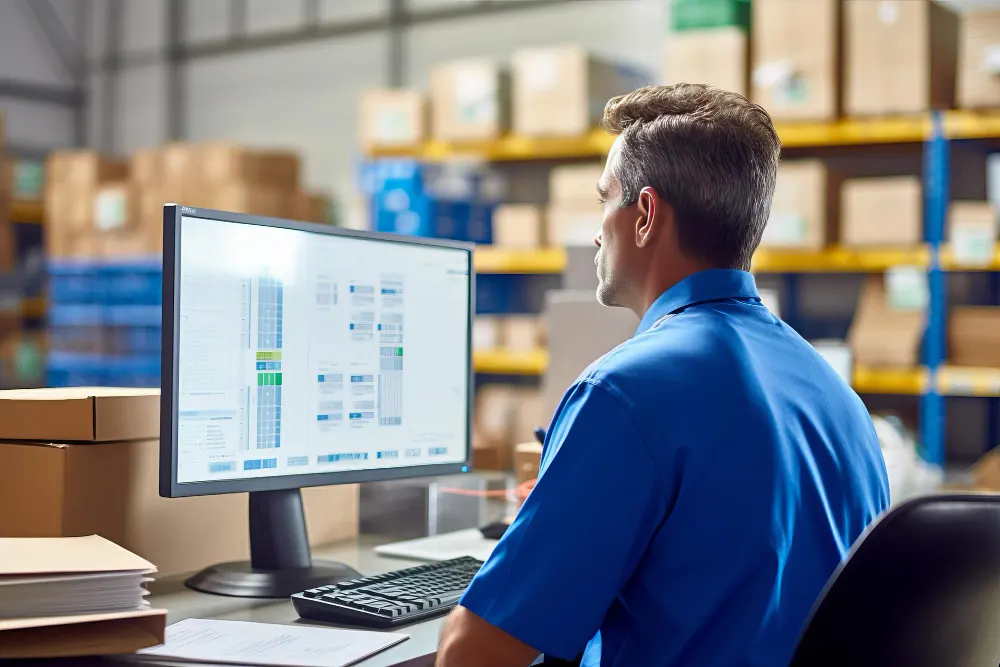
Understanding how an OMS works is easier when you look at the life cycle of a single order. Here is a step-by-step look at how a typical order moves through the system, from the moment a customer places it to the point it reaches their door:
- Order Capture and Validation
The process starts when a new order arrives. The order placement can happen through:
- Online portal
- Mobile app
- Manual entry by your office staff.
Once received, the system automatically validates the order by checking customer credit limits, pricing rules, and delivery availability.
- Inventory Availability and Stock Allocation
Once an order is approved, the system checks your inventory and reserves the items so no one else can sell them.
Imagine a dairy supplier who receives an order for thirty litres of milk at 2:00 AM. The system immediately marks that stock as allocated. When the morning delivery team starts their route, they won’t accidentally sell it to another customer, and your inventory stays accurate.
- Order Processing and Confirmation
Once stock is allocated, the system automatically confirms the order with the customer. At the same time, it generates a picking slip for your warehouse team. This slip shows exactly where each item is located, so staff don’t waste time searching around the warehouse and can prepare the order quickly.
- Fulfilment and Dispatch
Now, your team packs the boxes, crates or pallets, and prepares them for the delivery vehicle. The system can group orders by suburb to make loading easier.
You can print all your delivery dockets and labels directly from the screen for a more professional look instead of using handwritten notes.
- Delivery Tracking and Status Updates
When the driver leaves, you can see their progress. If a customer calls to ask where their order is, you can give them an answer right away.
Drivers can use their phones to:
- Follow delivery routes
- Edit or create new orders on the go
- Capture delivery signatures
- Take proof-of-delivery photos
- Record failed or partial deliveries
- Invoicing and Payment Tracking
Once a delivery is completed, the system automatically generates the final invoice. If a customer returns a damaged box at the door, the system adjusts the price accordingly, so you don’t have to worry about errors.
At a glance, you can also see which customers have paid and which payments are overdue.
- Post-Delivery Actions and Returns Handling
If a customer returns items after delivery, the OMS manages the entire process in one place. It automatically puts the returned stock back into your inventory and updates the customer’s invoice.
Benefits of Using an Order Management System
Moving to an order management system takes the stress out of running a food or beverage business. You will see a big difference in your daily routine almost immediately. The top benefits of OMS are:
- Fewer Costly Mistakes: You stop wasting time fixing mistakes caused by messy handwriting or lost emails.
- Faster Packing and Shipping: Your warehouse team can dispatch more orders every single morning.
- Happier Customers: Your clients get exactly what they ordered, on time, with clear communication.
- Better Cash Flow: You can send invoices as soon as the order is delivered and get paid much sooner.
- Easy Growth: You can double your order volume without needing to double your office staff.
How to Choose the Right Order Management System for Your Business
When selecting an OMS, focus on how the technology fits your specific way of working rather than just a list of fancy features. Here are some key points to consider when making your choice:
- Match the System to Your Workflow
If you have special pricing for loyal customers or different delivery days for certain areas, make sure the software supports your specific rules without forcing you to change how you work. - Look for Simple Setup and Training
A system has little value if your team finds it difficult to use. If drivers find the app confusing, they won’t use it properly, and the benefits quickly disappear. So, you need a platform that is easy for everyone to learn. - Check Integration with Accounting Tools
Your OMS should work seamlessly with your accounting software. The best platforms sync directly with Xero or MYOB, keeping your records accurate and ensuring your tax information is always correct without extra manual work. - Prioritise Visibility and Automation Over Features
Look for a system that provides clear sales reports and handles repetitive tasks automatically. This way, you can concentrate on growing your business.
Conclusion
An order management system brings structure and control to how your business handles sales and fulfilment. By following the correct order lifecycle steps, you reduce warehouse errors and deliver a more reliable service.
Moving away from manual processes frees up time to focus on winning new customers and improving margins. When orders flow smoothly, you spend less time fixing small issues and more time leading your business with confidence.If you are ready to see how this system can save you time and stop manual errors, reach out for a free demo of EasyVend today. Built specifically for the Australian food and beverage industry, EasyVend helps you move from paperwork-heavy processes to a clearer, more profitable operation.